Photo to 3D: more photos, ZIP upload, public gallery
Besides the four labelled views you can now add up to 36 extra photos from any angle — select several at once, drag them in, or upload a whole ZIP, which is unpacked in your browser. You can also choose which Gemini model builds the model (the faster Flash or the more thorough Pro versions). Finished models can be made public with one click: they appear in the new Public gallery for every INSIGHT user, and a public model can be shared as a direct link.

INSIGHT iPlanner · Production Planning & Scheduling
Interactive Gantt-based production planning with drag & drop scheduling, conflict radar, work order management, and resource allocation. Built to replace spreadsheet-based planning with a visual, real-time tool. Features BOM/article master, routing, SAP RFC integration (coming soon), BDE shopfloor terminal, simulation and OEE reporting — all on the INSIGHT platform.
INSIGHT-BI · Report Hub launched
Plant and group dashboards now have a home inside INSIGHT, under the new INSIGHT-BI menu. Every dashboard has the same standard filters: one plant, several or all of them, plus a from / to period. Every chart, KPI and table updates together when they change. Data comes from SQL Server, MySQL, Oracle, Excel, CSV, SAP RFC and Web APIs through one common data layer. Any widget can be exported to CSV, opened full screen, or shared as a link that keeps its filters.
Meeting Room Display released
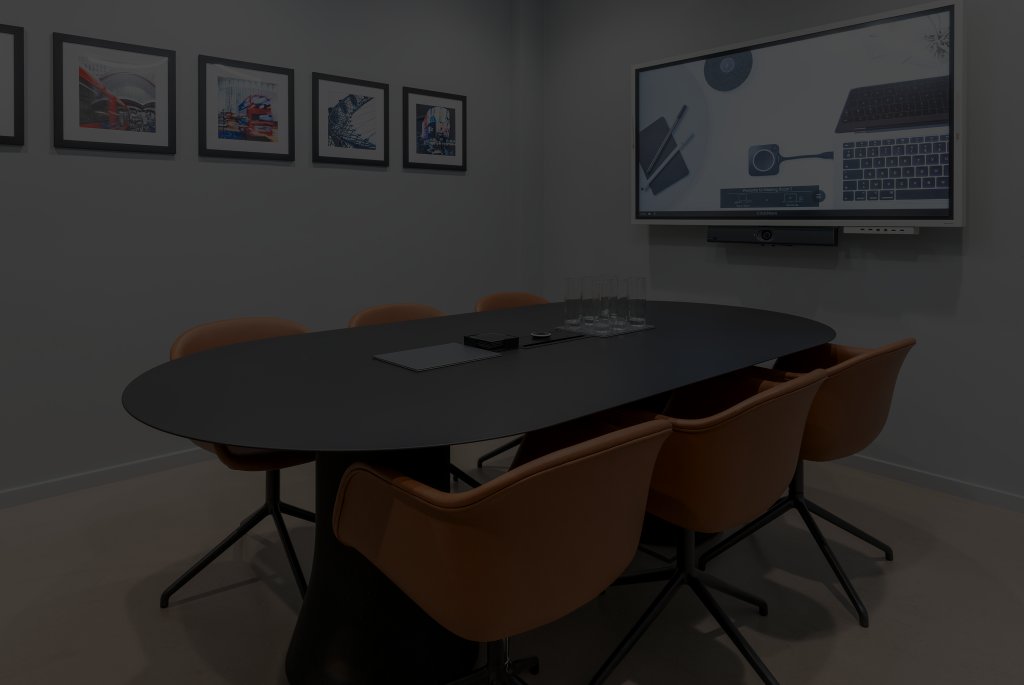
The meeting room occupancy tablets now have their own configuration app. Create a display for each room — room name, site, Google room calendar, confidential mode, time zone — and copy the ready-made link (or scan its QR code) on the tablet. Every tablet keeps one stable link: change its settings in INSIGHT and the tablet picks them up on its next refresh. A live heartbeat shows which tablets are online and when each one was last seen, and a link can be regenerated to lock out a lost tablet.
Photo to 3D released
Turn photos of a physical object into a 3D model. Upload a front photo and up to three more views (side, back, top), give the object a name and optionally its real size in millimetres, and the AI builds a 3D model of it — either smooth and as faithful as the photos allow (round parts are revolved from their real profile, handles and rims become rings), or deliberately low-poly. Rotate it in the 3D preview and download it as an STL file for 3D printing or CAD. The photos are only used for the generation and are not stored.
Hungarian Cafeteria released
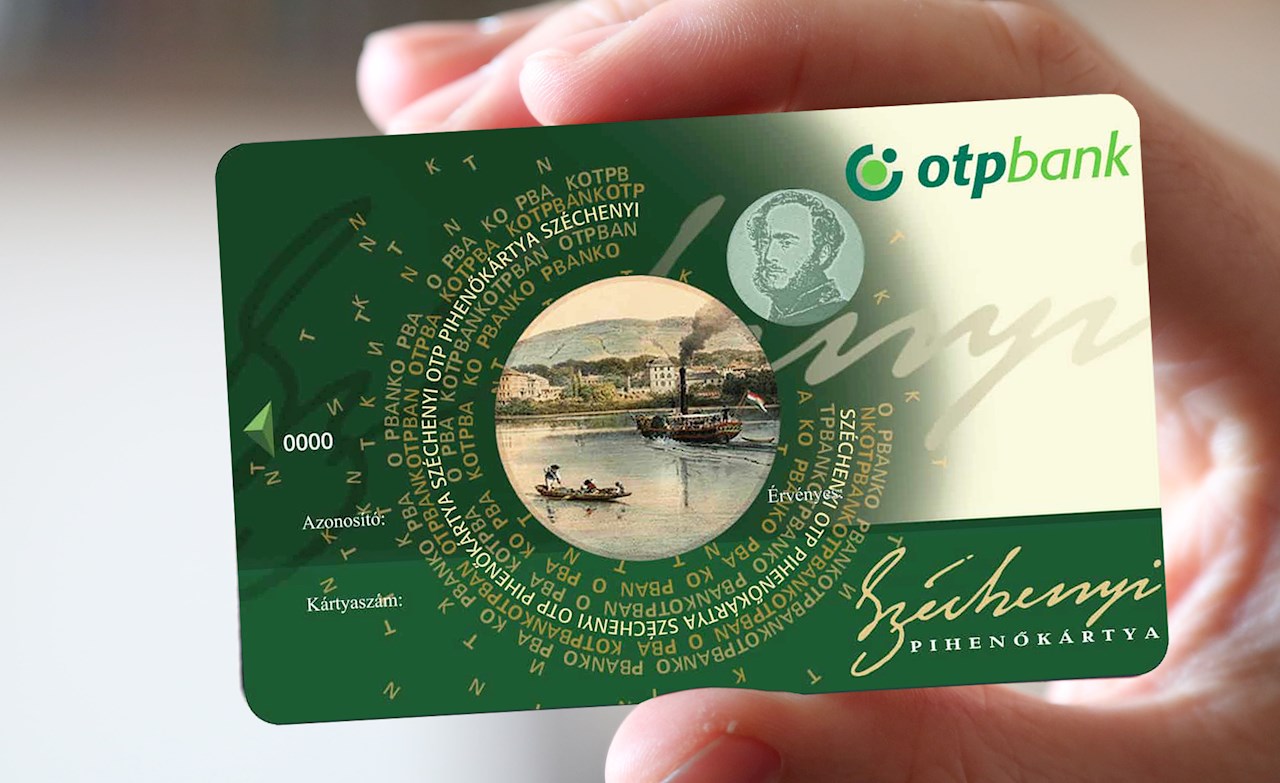
The cafeteria declaration is now online. Sign in and fill in your yearly declaration — split your budget across OTP SZÉP card, school-start voucher (June/July) and cash, with live validation of the per-field cap and total. HR has a management view: master data with an inline budget edit, the full declaration log by year, and the list of employees who have not declared yet.
AI Maturity Assessment released
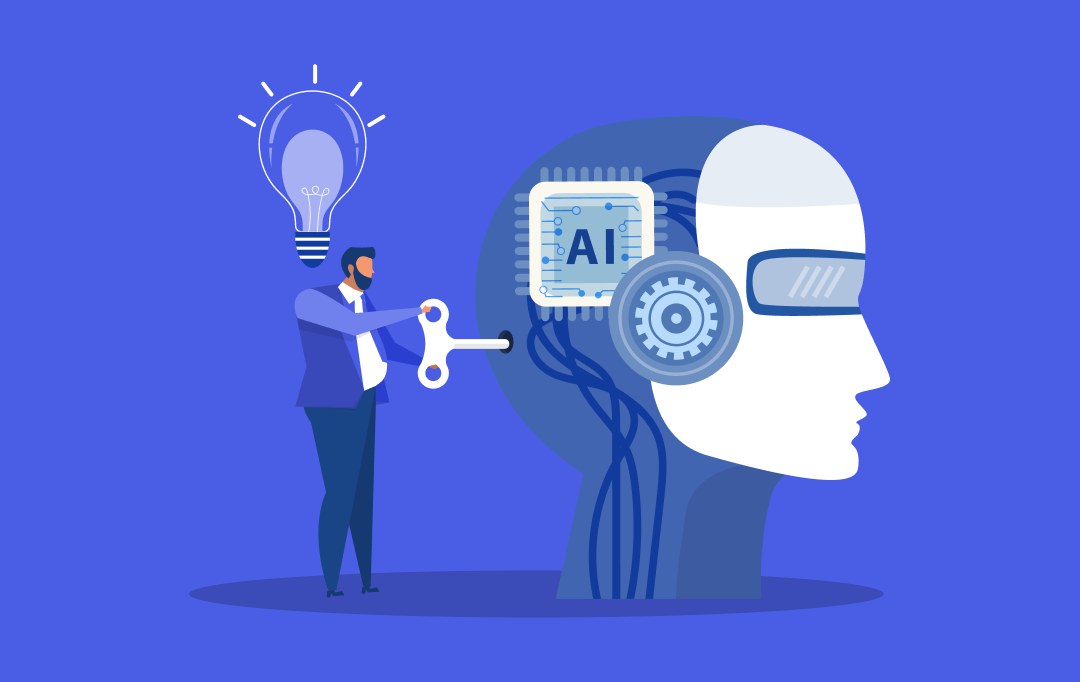
A short survey on how our company uses AI today: 20 questions in five themes (strategy, adoption, data and infrastructure, skills and culture, governance). Everyone can fill it in. The dashboard shows the company average of everyone's latest answers, its maturity level on an 8-level scale, theme averages and the level distribution; the History lists every submission with its details.
Renata, the INSIGHT AI meeting agent
Invite Renata into a Google Meet, Teams or Zoom meeting and write down what she should do there. She joins as an animated participant with her own voice, listens, and answers in English when she is called by name. She knows the INSIGHT AI solutions from her knowledge base and, if you allow it for that meeting, looks up live INSIGHT data such as PDCA tasks, Idea Box ideas or HSE deadlines - read-only, without personal data. Every meeting gets its own access token, and everything she hears, says and queries is logged.
HSE Compliance Calendar released
The group HSE compliance calendar as a web app: every mandatory regulatory control and internal standard of all six plants in one register (law, frequency, owner, risk level). Recording a control rolls its next due date forward on its own, a failed control opens a corrective action with its own deadline, and the HSE Manager and the General Manager counter-sign every result. The overview page gives the General Manager one picture of his site - and the group EHS Manager the same picture across "All sites".
Generic Audit Report released
Analytics over every Generic Audit (5S, SAFETY, LPA, surveys) since 2023: one scope for site, audit type and period; trends, site and area rankings, an area by month heatmap, the worst answered questions with their comments, category (5S pillar) comparison, audit coverage per area, auditor statistics and the OpenGTD tasks generated from audits.
In-process Inspection released
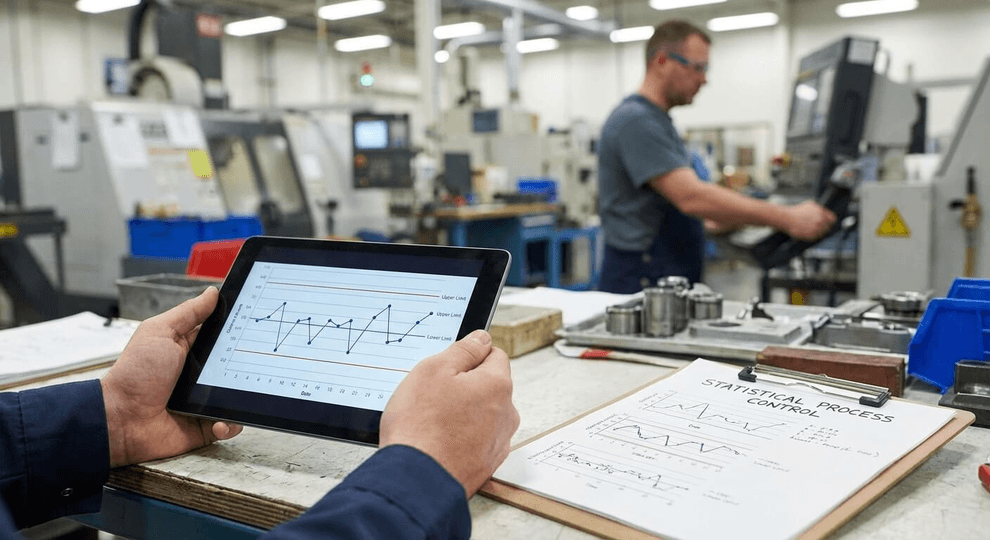
Released today. Quality module (NO0958): the quality engineer prescribes the molding in-process inspection sheet per tool - header data, the setup boxes the operator fills, and the inspection points as OK/NOK, go/no-go, value or SPC value with the cavity / side layout - and previews it exactly as the shop-floor screen will show it.
Photo Contest voting has closed
The 2026 photo-contest vote ended on 7 September — thank you to everyone who took part. The voting page is no longer available; the entries and the results are kept, and the app returns for next year's contest.
SPC & OK-START
Quality module: build the SPC measurement rows and the OK-START start-up checklist per location and production line, browse what the operators recorded in the logs, and read the seven SPC rules the terminal enforces. Replaces the two desktop screens.
Sorting activity
Quality module: prescribe sorting, firewall and rework events, get the site QM manager's approval by e-mail and follow the sorted quantities from the stations live. Replaces the desktop screen.
New Application Portal
Unified hub for all INSIGHT apps — one login, one place to launch everything across the organisation.
8-Language Support
The portal now auto-translates to EN, HU, FR, DE, PT, IT, SK and SP via Google Translate. Missing translations are saved automatically.
Dark / Light Theme
Consistent dark and light mode across all INSIGHT applications, remembered per user.
Single Sign-On
Log in once with your Google account — all INSIGHT applications share the session automatically. No repeated logins.
Visitor Registration
Digital visitor log now integrated into the portal. Register and track visitors directly from the Applications screen.
Signature Generator
Create consistent, branded email signatures in seconds — now accessible directly from the portal.
DB Monitoring Dashboard
Live SQL 2.0 database monitoring via Metabase is now available in the Dashboards section.